 Playlist Exporter
Titles, links, channels and durations — saved as CSV, JSON or Markdown to your computer. Works with Watch Later too.
For Chrome · Edge · Firefox — store listings coming online now, links appear here as each review completes
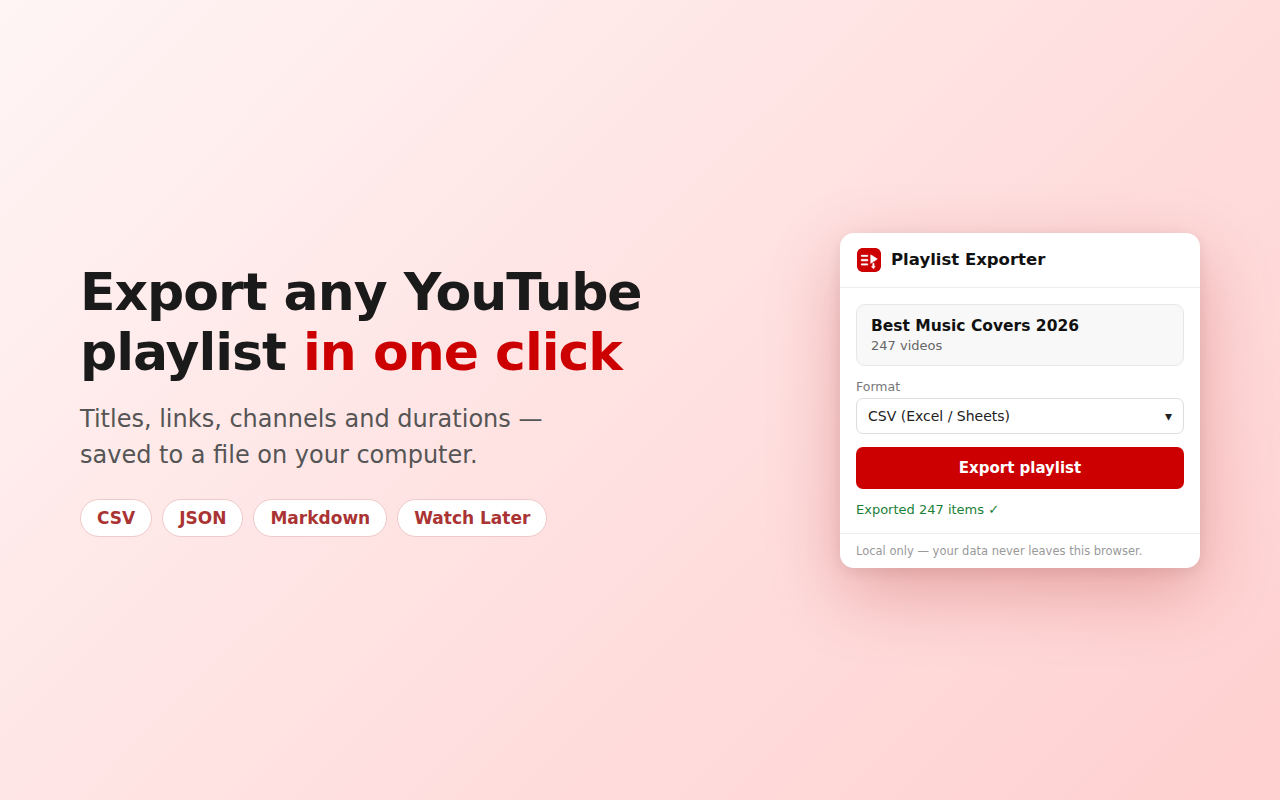
Your own playlists, public playlists, Liked videos, and the Watch Later list Google Takeout leaves out. Open it, click Export, done.
CSV that opens perfectly in Excel and Google Sheets (every language handled), JSON for developers, and a linked Markdown table for Notion or Obsidian.
Videos silently become [Deleted] or [Private] over time. Your export is a permanent record of what you collected, with unavailable items flagged.
No account, no sign-up, no server. The extension reads the page you already have open and saves a file locally. Nothing ever leaves your browser.
Tested on non-English YouTube with thousands-strong playlists — titles, channels and durations export correctly every time.
The free version is genuinely useful. Pro is a small one-time purchase — never a subscription, never an account.
Pro checkout opens inside the extension. 14-day money-back guarantee — see our refund policy.
No. It reads the playlist page you already have open in your own browser. There is no account, no login, and no permission to anything beyond youtube.com.
No. Everything is processed locally in your browser and saved straight to your computer. The extension has no server and no analytics. Read the full privacy policy.
Yes — that's one of the main reasons it exists. Watch Later isn't included in Google Takeout, so this is one of the few ways to keep a copy.
Enable "Show unavailable videos" in the playlist's ⋯ menu and they'll be included in your export, flagged as unavailable.
No. Pro is a single one-time purchase that unlocks the extension permanently on your browser.
No. Playlist Exporter is an independent tool and is not affiliated with, endorsed by, or sponsored by YouTube or Google. YouTube is a trademark of Google LLC.